Finding out your Instagram account has been hacked is one of those moments where your stomach drops. Maybe your password suddenly stopped working. Maybe a friend texted to say your account is posting things you never wrote. Maybe Instagram emailed to say your email address was changed, and you did not change it. Whatever the first sign was, the next few minutes matter. This guide walks through every official way to get an Instagram account hacked by someone else back, and how to keep it.
Signs Your Instagram Account Has Been Hacked
- You are suddenly logged out, and your password no longer works.
- Instagram emails you about a change to your email address, phone number or password that you did not make.
- Followers ask why you are sending them links, crypto “investment” tips or requests for money.
- Posts, stories or messages appear that you did not create, or your username, bio or profile photo has changed.
Panic is a normal reaction, but acting quickly, even imperfectly, beats freezing. Accounts are taken through phishing links, reused passwords and leaks from completely unrelated sites. Losing yours does not mean you were careless. It means the people doing this are organised and persistent.
The good news is that recovery is possible in most cases, including some that look hopeless at first.
First Things to Do in the First 30 Minutes
1. Check your email for Instagram’s security message
When someone changes the email address on your account, Instagram sends a message to your original address, usually from security@mail.instagram.com. It includes a link to reverse the change and secure your account. Use it as soon as you can, then set a new password. This one step recovers many hacked accounts before things get complicated.
2. Go to instagram.com/hacked
If that email is missing or the link no longer works, type instagram.com/hacked into your browser yourself. This is Instagram’s official starting point for compromised accounts, and it walks you through the right recovery route for your situation.
3. Do not contact the hacker or pay anyone
Do not message the person who took the account. They will not hand it back, and some will try to blackmail you. Never pay a “recovery service” or an account that comments on your posts offering to help. These are almost always scams that take your money and any details you still have.
How to Use Instagram’s Official Recovery Tools
On the login screen, tap Forgot password? Instagram can send a login link or code to the email address or phone number on the account. Use whichever one the hacker has not changed.
If both have been changed, tap Need more help? or follow the steps at instagram.com/hacked. Instagram may then ask you to confirm your identity:
- Video selfie. If your account has photos of you, Instagram may ask you to record a short video turning your head in different directions. Its software compares this with photos on the account, so it works best if your face appears clearly in past posts.
- Other confirmation. Instagram may ask for the email address or phone number you signed up with, or the type of device you used to sign up.
Be patient, and do not submit someone else’s photo or a screenshot, which gets the request rejected. Use a phone or computer you have logged in from before, on your usual Wi-Fi, because Instagram trusts familiar devices more.
When the Standard Steps Do Not Work
If your phone number was taken over. In a SIM swap, a criminal persuades your mobile network to move your number to their SIM card. If your phone suddenly loses signal, contact your mobile network first to get your number back, then return to Instagram.
If your account has no photos of you. The video selfie route will not work. Keep trying the other options at instagram.com/hacked, and keep a record of every reference number and email Instagram sends you. You may need to submit more than once.
If it is a business or creator account. Meta Verified, Meta’s paid subscription, includes access to account support. It only helps if you can still subscribe from a linked account, such as your Facebook, so check that before paying.
If followers lost money. If the hacker used your account to scam people, encourage them to report it: to Action Fraud (or Police Scotland on 101) in the UK, or to the FBI’s IC3 (ic3.gov) and the FTC in the US.
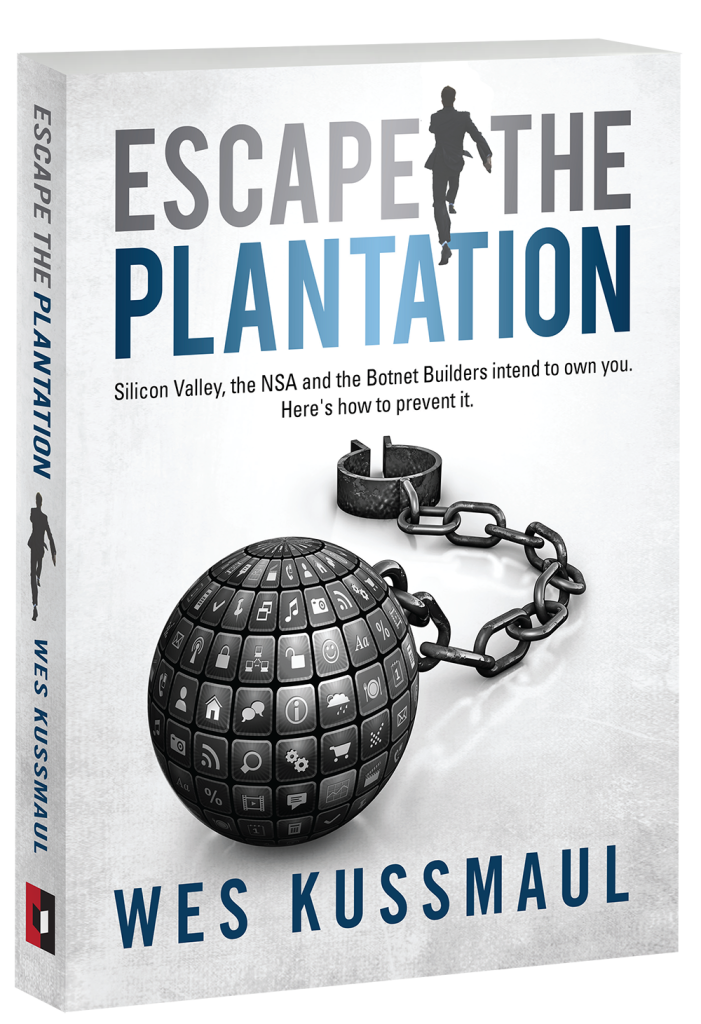
Accounts can be taken because they are guarded by passwords, not by who you are. That gap is the subject of Wes Kussmaul’s Escape the Plantation, and you can get a free copy at the end of this article.
What Hackers Actually Want, and What to Check Next
Most attackers want one of three things: to sell the account (handles with large followings have a real market price), to use it to push scams to your followers, or to harvest personal information for use elsewhere.
Knowing that tells you what else to check:
- If your Instagram is linked to a Facebook account, a business page or a payment method, check those now.
- Change your password on any other account that used the same email and password, because that combination is probably being tried elsewhere already.
- Secure your email account, since whoever controls it can reset your Instagram password.
- Tell your followers, through your stories once you are back in or through another account, that you were hacked and that they should ignore any messages or links sent while you were locked out.
Locking Down Your Recovered Account
The very first thing to do after getting back in: turn on two-factor authentication, so a stolen password alone is not enough.
- Go to Settings > Accounts Center > Password and security > Two-factor authentication.
- Choose an authentication app, such as Google Authenticator, rather than text messages, which can be intercepted or redirected.
- Save your backup codes somewhere offline, in case you lose your phone.
- In Password and security > Where you’re logged in, log out every device you do not recognise.
- Set a new password that is long, random and used nowhere else. A password manager makes this easy.
- Remove any third-party apps or websites connected to your account that you do not recognise.
Spot fake Instagram emails in future. Many hacks start with a fake email warning of a “copyright violation” or a “verification badge”. In Password and security > Recent emails, Instagram lists every email it has really sent you in the last 14 days. If a message is not there, it was not from Instagram.
Your Account Is Part of Your Digital Identity
An Instagram account is not just photos. For many people it is a business, years of messages, a community built from nothing, and a login for other services. Losing it, even briefly, shows how much of daily life depends on accounts controlled by one private company whose support can be slow and hard to reach.
That is the real tension behind every hacked account: you built something valuable, but the platform holds the keys, and anyone who steals your password becomes “you” to everyone who follows you. The security steps above are the most practical protection available today. We look at the wider question in Digital Identity Explained, and if your account was suspended rather than hacked, see how to appeal a banned account.
Frequently asked questions
How do I recover my hacked Instagram account?
First, check your original email for a message from security@mail.instagram.com and use its link to reverse the change. If that does not work, go to instagram.com/hacked, or tap “Forgot password?” and then “Need more help?” on the login screen, and follow the steps. Instagram may ask for a video selfie to confirm it is you.
Can I recover my Instagram account if the hacker changed my email and phone number?
Often, yes. The video selfie check does not need your email or phone, because it compares your face with photos on the account. If your phone number was taken through a SIM swap, get it back from your mobile network first, then return to Instagram’s recovery steps.
How long does Instagram account recovery take?
If the email reversal link works, recovery can take minutes. Identity checks usually take from one to several days, and some people need to submit more than once. There is no paid way to speed it up, and anyone offering one is a scammer.
Will I get back posts the hacker deleted?
Possibly. Instagram keeps deleted posts, stories and reels in “Recently deleted” for 30 days, so check there as soon as you are back in. Anything older than that, or permanently deleted, is usually gone, and Instagram does not restore lost followers.
How do I stop my Instagram from being hacked again?
Turn on two-factor authentication with an authenticator app, use a password you use nowhere else, secure your email account, and check “Recent emails” in your security settings before trusting any email that claims to be from Instagram.
Related reading
- Facebook Account Hacked? Here Is How to Get It Back
- My Account Got Banned: How to Appeal and What to Expect
- Banned by Mistake: How Platform Appeals Actually Work
- Digital Identity Explained: What It Is and What It Isn’t
Accounts get hacked because they are guarded by passwords, not by who you are, and anyone holding your password becomes “you” to your followers. Wes Kussmaul’s Escape the Plantation explains why the internet was built this way and how identity you own and can prove would end account takeovers. Enter your email below to get your free copy and follow CDM Worlds’ work on safer online communities.